
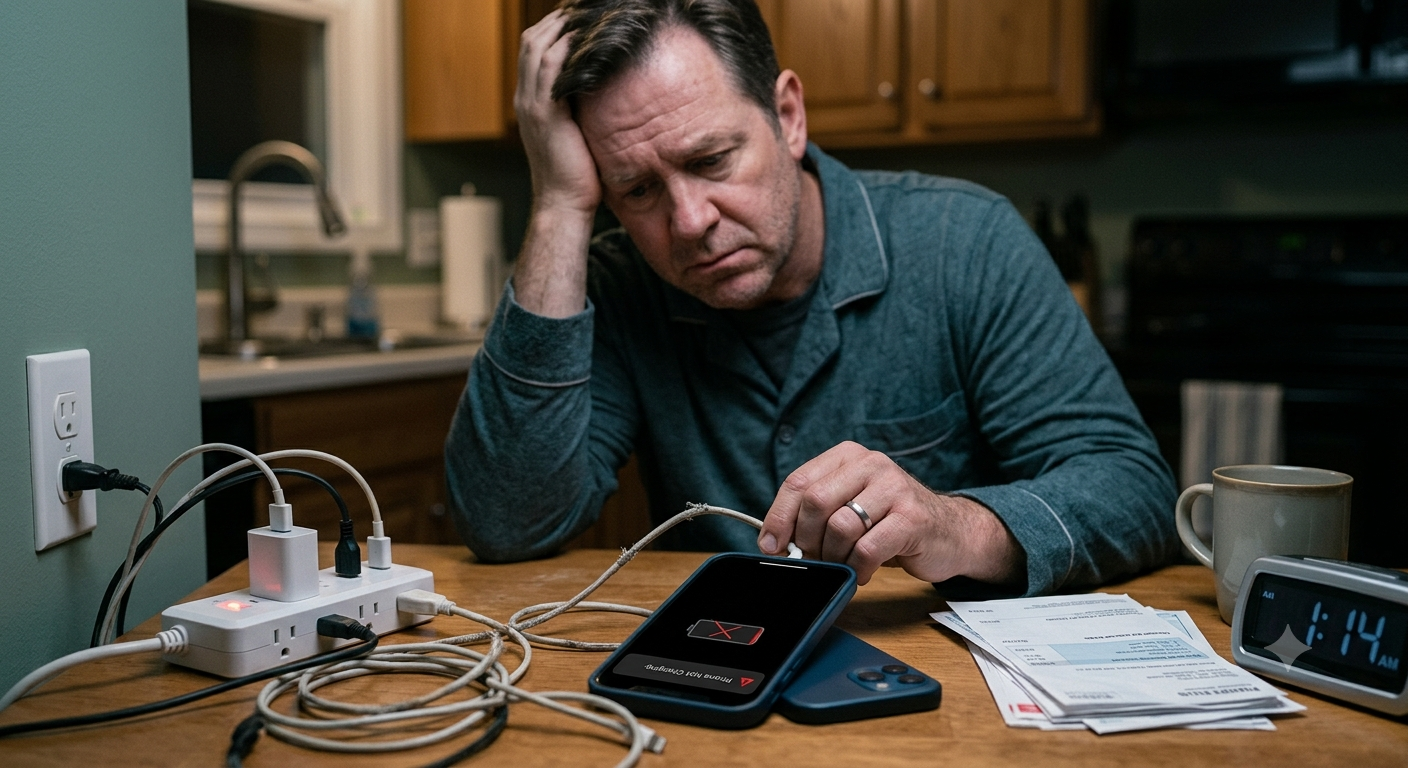
Few things are more frustrating than plugging in your phone and realizing the battery percentage isn’t increasing. Whether you’re getting ready for work, traveling, or simply trying to stay connected, a phone that refuses to charge can quickly become a major inconvenience. If you’ve been asking why is my phone not charging, the good news is that the problem isn’t always a serious hardware failure.
Charging Your Phone Why Is It Not Recharging Properly? Sometimes a phone just won’t charge for something as simple as a loose plug or a dust-filled port. Other times, internal problems like water damage, worn-out batteries, aging software, or broken hardware can get in the way. Since there are multiple parts of your phone working together in order to charge it, fixing the problems require process of elimination.
Understanding How Phone Charging Works
Charging a smartphone involves much more than plugging in a cable.
The process goes like this: a wall adapter or power source sends electricity down the charging cable and into your phone through its charging port. Then the phone’s internal charging controller regulates that electricity as it makes its way to the battery. Any failure anywhere in this chain-the socket or source of electricity, the adapter or charging block, the cord or cable, the port itself, the battery, or even your software-and your phone won’t charge at all, or will do so at a fraction of the expected speed.
Understanding this process makes it easier to determine why is my phone not charging instead of immediately assuming the battery has failed.
A Faulty Charging Cable Is One of the Most Common Causes
Charging cables experience daily wear and tear.
Bending, twisting, stretching, or wrapping the cable extremely tightly on repeated occasions puts stress on all of the microscopic wires inside of the charging cable. Although it might appear totally harmless on the outside, some of those microscopic wires may have become broken internally and thus can prevent electrical current from passing through. If your smartphone, isn’t functioning correctly and refusing to charge while the smartphone case or outer housing isn’t the issue, try to grab a fully-functioning cable from another smartphone and give it a test!
We promise you’ll love it.
Utilize genuine cables or manufactured cables (even better). Many of the uncertified cables from Amazon or Alibaba are simply not equipped to handle certain voltage levels for phones and may prevent proper functioning.
The Power Adapter Could Be the Problem
Many people replace the cable but forget about the charging adapter.
Wall adapters can fail because of electrical damage, overheating, manufacturing defects, or age. When the adapter fails to deliver power, your phone won’t charge, even though the cable appears to be connected correctly.
Try plugging the charger into another outlet or using a different adapter with the same cable. If the phone begins charging normally, you’ve found the source of the problem.
Avoid using damaged adapters that become unusually hot or show signs of physical wear.
Check the Charging Port for Dirt and Debris
One of the easiest problems to overlook is a dirty charging port.
Dust, lint, pocket fibers, and other debris gradually collect inside the port, especially if you carry your phone in your pocket or bag every day.
Over time, this buildup can prevent the charging connector from making proper contact with the internal pins.
Using a flashlight, carefully inspect the charging port. If debris is visible, gently remove it with a non-metallic tool or a soft brush designed for electronics. Never force objects into the port or use excessive pressure, as this can damage delicate connectors.
Keeping the charging port clean is one of the simplest ways to prevent charging problems.
The Battery May Have Reached the End of Its Lifespan
Rechargeable batteries do not last forever.
Every battery gradually loses capacity after hundreds of charge cycles. As it ages, it may charge more slowly, drain more quickly, or eventually stop accepting a charge altogether.
If your phone is several years old and you’ve noticed declining battery life over time, battery wear may be contributing to the problem.
Unlike older phones with removable batteries, most modern smartphones require professional battery replacement.
Software Glitches Can Interrupt Charging
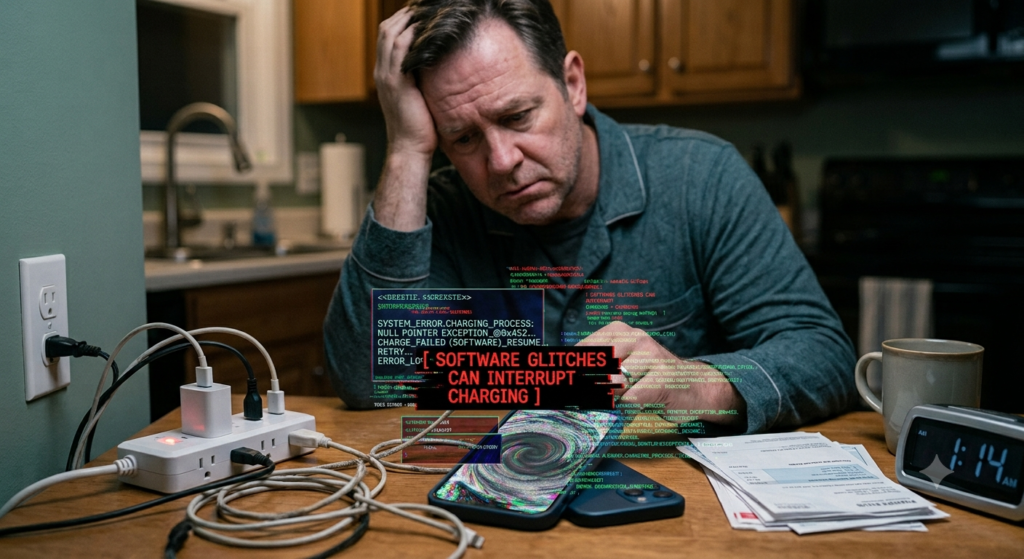
Not every charging issue is caused by hardware.
Software Bugs: Your battery or charger detector may be disrupted by bugs. A temporary error of the operating system could leave your phone thinking your charger is not functioning even when the problem solely lies with your OS. Rebooting your computer will usually solve problems related to software glitches.
Your phone’s OS could, upon a software update you received from its manufacturing or update system, also resolve these problems you’re facing when updating to the latest release.
Ensuring your phone has the newest operating system will lead to enhanced performance and better battery usage.
Overheating Can Pause Charging
Modern smartphones include built-in safety features that protect the battery from excessive heat.
If the phone becomes too hot while charging, the device may automatically reduce charging speed or temporarily stop charging until it cools down.
Overheating can occur when:
- Charging in direct sunlight
- Using demanding apps while charging
- Fast charging for extended periods
- Poor ventilation
- High outdoor temperatures
Allow the phone to cool naturally before attempting to charge it again. Avoid placing it in a refrigerator or freezer, as rapid temperature changes can damage internal components.
Water or Moisture May Block Charging
Many smartphones include moisture detection systems.
If water or humidity enters the charging port, the phone may display a warning and refuse to charge until the port is completely dry.
This safety feature helps prevent electrical damage and corrosion.
After exposure to moisture, such as rain, liquid spills, or humid conditions, remove the charger and let the port dry completely before reconnecting it.
Never insert objects or use excessive heat to dry the charging port.
Wireless Charging May Help Identify the Problem
If your phone supports wireless charging, it can provide a useful troubleshooting step.
If the phone charges wirelessly but not through the cable, the issue likely involves the charging port, cable, or adapter rather than the battery itself.
Conversely, if neither wired nor wireless charging works, the problem may involve the battery, charging controller, or other internal hardware.
Wireless charging isn’t a permanent solution for a damaged charging port, but it can help narrow down the cause of the issue.
How to Troubleshoot a Phone That Won’t Charge
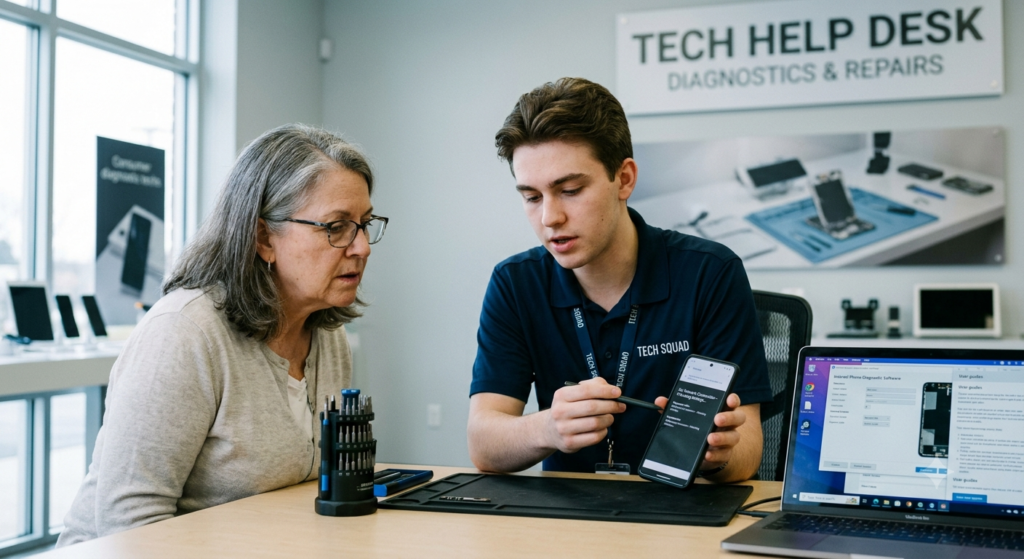
If you’re still wondering why is my phone not charging, it’s best to troubleshoot the problem systematically instead of assuming the battery has failed.
Start by checking the simplest possibilities first. Try a different charging cable, power adapter, and wall outlet. If available, test your phone with accessories that are known to work correctly.
Next, restart the phone. Temporary software glitches can sometimes prevent the device from recognizing a charger. A simple reboot refreshes the operating system and may restore normal charging.
If your phone supports both wired and wireless charging, test both methods. This can help determine whether the issue is limited to the charging port or involves another component.
By changing only one variable at a time, you can often identify the source of the problem without unnecessary repairs.
Signs the Battery May Need Replacement
Smartphone batteries naturally wear out over time. Every charge cycle slightly reduces the battery’s ability to hold energy, and after years of use, this decline becomes noticeable.
Some common signs of battery wear include:
- The battery drains unusually fast.
- The phone shuts down even when battery life remains.
- Charging takes much longer than it used to.
- The battery percentage jumps unexpectedly.
- The phone becomes unusually warm during normal charging.
- The battery no longer reaches 100%.
If several of these symptoms appear together, replacing the battery may be the most effective long-term solution.
Could an App Be Causing the Problem?
Although hardware is often responsible, software can also affect charging performance.
Some applications continue running heavily in the background, placing constant demands on the processor. This high power consumption may offset the electricity entering the battery, making it appear as though the phone is not charging.
Gaming apps, video editing software, GPS navigation, and streaming services are especially demanding.
Reducing the number of active applications while charging helps ensure that more of the incoming power is used to recharge the battery.
Fast Charging Doesn’t Always Mean Faster
Many modern phones support fast charging, but several conditions must be met before it works properly.
Using an incompatible cable or adapter may cause the phone to charge at standard speeds instead of fast charging. Likewise, if the battery becomes too warm, the phone may automatically reduce charging speed to protect internal components.
Fast charging performance also decreases as the battery approaches full capacity. This slower charging near the end is intentional and helps extend battery lifespan.
If your phone charges slowly but steadily, it may actually be functioning normally.
When Professional Repair Is Necessary
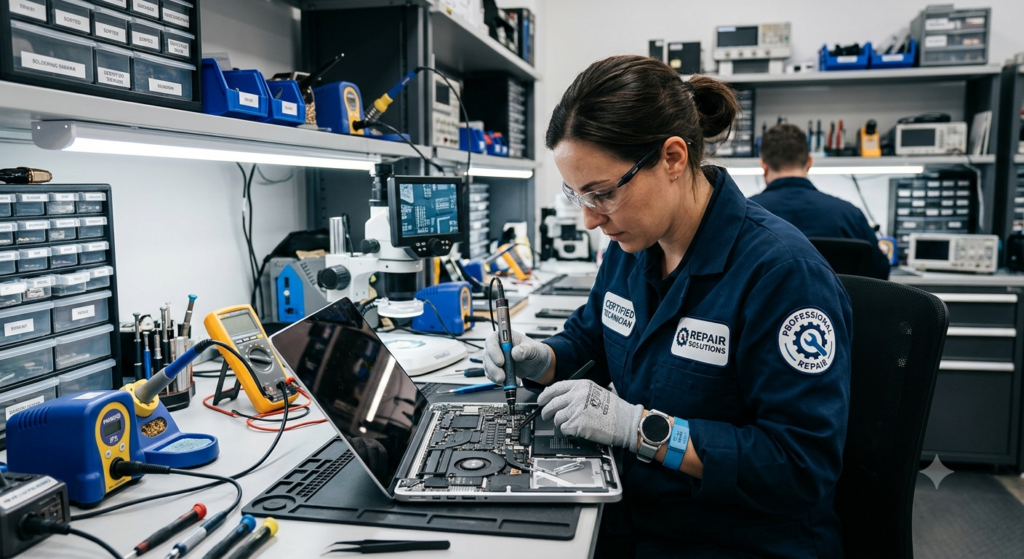
Sometimes home troubleshooting isn’t enough.
If you’ve tested multiple chargers, cleaned the charging port, restarted the device, and the phone still refuses to charge, an internal hardware problem may be present.
Possible hardware issues include:
- A damaged charging port
- A worn-out battery
- A faulty charging controller
- Internal circuit board damage
- Physical damage caused by drops or water exposure
Attempting to repair these components yourself can cause additional damage unless you have the proper tools and experience.
Professional technicians can safely diagnose the exact cause using specialized testing equipment.
Common Charging Mistakes to Avoid
Many charging problems develop gradually because of everyday habits.
Pulling the charging cable by the cord instead of the connector can weaken internal wires. Using damaged cables may interrupt charging or even create safety risks.
Another common mistake is allowing lint and dust to accumulate inside the charging port for months without cleaning it.
Some people also continue using their phones for demanding activities while charging. Although modern devices are designed to handle this, running processor-intensive apps continuously can generate additional heat and slow charging.
Developing better charging habits helps reduce wear on both the battery and charging accessories.
Tips to Extend Your Phone’s Battery Life
Although every rechargeable battery eventually ages, proper care can slow that process.
Avoid exposing your phone to extreme heat whenever possible. High temperatures are one of the leading causes of long-term battery degradation.
Using high-quality charging accessories designed for your device also improves charging reliability. Choosing the right phone charger and cable can help prevent charging issues and protect your device from unnecessary wear.
Keeping your phone’s software updated ensures the latest battery management improvements are installed. Following smartphone battery maintenance tips can also help improve long-term charging performance and battery health.
If your phone will not be used for an extended period, avoid storing it with a completely empty battery. Maintaining a moderate charge level during storage is generally healthier for lithium-ion batteries.
Simple habits like these can help maintain battery performance for years.
Common Myths About Phone Charging
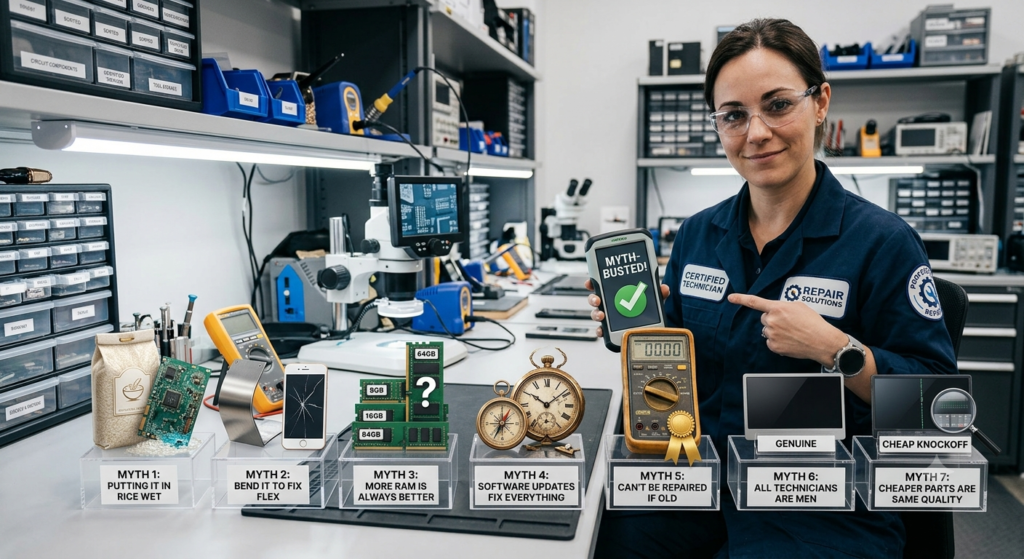
There are many misconceptions surrounding smartphone batteries.
One common myth is that you should always let the battery drain to 0% before charging. Modern lithium-ion batteries do not require complete discharge and generally perform better with regular charging.
Another myth is that charging overnight always damages the battery. Most modern smartphones automatically stop charging once the battery reaches full capacity and manage power intelligently.
Some people also believe every charging problem means the battery has failed. In reality, charging cables, adapters, charging ports, software bugs, and debris are often responsible.
Understanding these myths helps owners troubleshoot problems more effectively instead of replacing parts unnecessarily. You can also explore our smartphone troubleshooting guides for more practical solutions to common mobile device problems.
Conclusion
If you’ve been asking why is my phone not charging, the answer could involve several different factors. A damaged charging cable, faulty adapter, dirty charging port, aging battery, software issue, overheating, or internal hardware fault can all interrupt the charging process.
Happily, the majority of charging issues have fairly simple fixes: Ensure your cables and power adapter are functioning, carefully clean the charging port, power your device down and back up again, and try another method of powering the device up. Often, these steps can quickly fix the charging issue, no visit to the repair shop needed. If none of these steps bring the device back to life or if the device appears swollen, overly hot, or is frequently crashing the real source of your phone power problem requires the attention of an expert.
Frequently Asked Questions
1. Why is my phone not charging even though it’s plugged in?
A broken charging cord, charger issue, dirty dock, bad software installation, worn-out battery, or interior hardware failure are frequently the culprit.
2. How do I know if my charging port is damaged?
A loose connection, intermittent charging, visible bent pins, or needing to hold the cable at a specific angle may indicate a damaged charging port.
3. Can a dirty charging port stop my phone from charging?
Yes. Dust, lint, and debris can prevent the charging connector from making proper contact with the phone’s internal connectors.
4. Why is my phone charging very slowly?
Slow charging may result from using a low-power charger, damaged accessories, background apps, overheating, or battery aging.
5. Should I replace my battery if my phone won’t charge?
Not right away. Check the charger, cable, and adapter, make sure the outlet is working, make sure the phone is inserted into the charging port properly and then make sure the phone charges with a different device using the same charger cable or with a different cable while connected to an outlet and ensure the screen powers on/the phone recognizes charging . If they are ok the battery needs diagnosis.
6. Can software updates fix charging problems?
Maybe. Software glitches that impact battery charge might be fixed by simply downloading and installing a new software update. Broken hardware, however, can’t be fixed with an update.